DIDSA Design Tools puts powerful software in the hands of DIDSA people (that’s you). It’s a free set of software tools contained in a convenient app. The software is completely open source and always will be. DIDSA is committed to making these tools available to anyone with an idea.
The toolset is maker-focused with professional capabilities. It’s intuitive and easy to learn, making it a beginner-friendly experience for anyone willing to explore and learn.
Disclaimer: DIDSA Design Tools is developed with the assistance of AI. The AI is guided by more than a decade of hands-on experience with engineering software and design tools.
DIDSA believes AI can be a powerful tool for amplifying human potential when used thoughtfully, in moderation, and guided by experienced hands. At the same time, we are cautious about the profound risk of over-reliance on AI and the possibility that it could prevent the next generation from developing the practical experience, skills and knowledge they need to reach their potential.
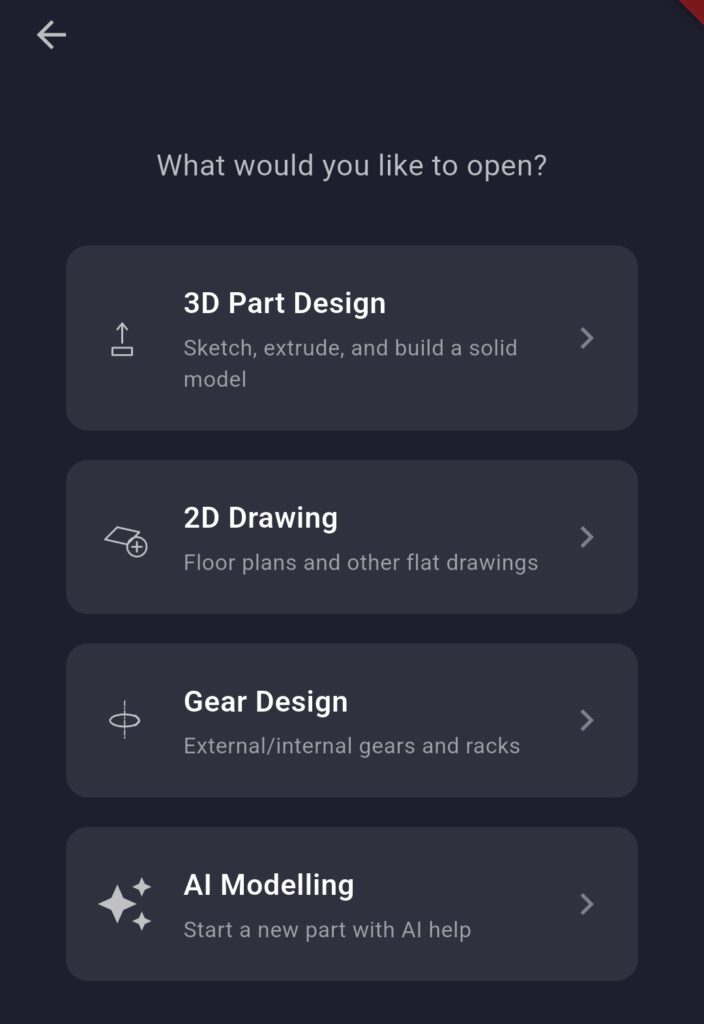
DIDSA Design Tools includes an expanding number of software tools including:
- 3D Part Design
- 2D Drawing/Design
- Gear Design Module
- AI-Assisted Design Module
Future additions are already planned including:
- Assemblies
- VR Design Review and Manipulation UX
- Stress Analysis
The list of available design tools will be driven by what projects DIDSA is inspired by and community requests.
The future of the toolset is in your hands and the open source nature of the software means you can contribute or request additional features, tweaks, fixes to suit your needs or the needs of your next exciting project.
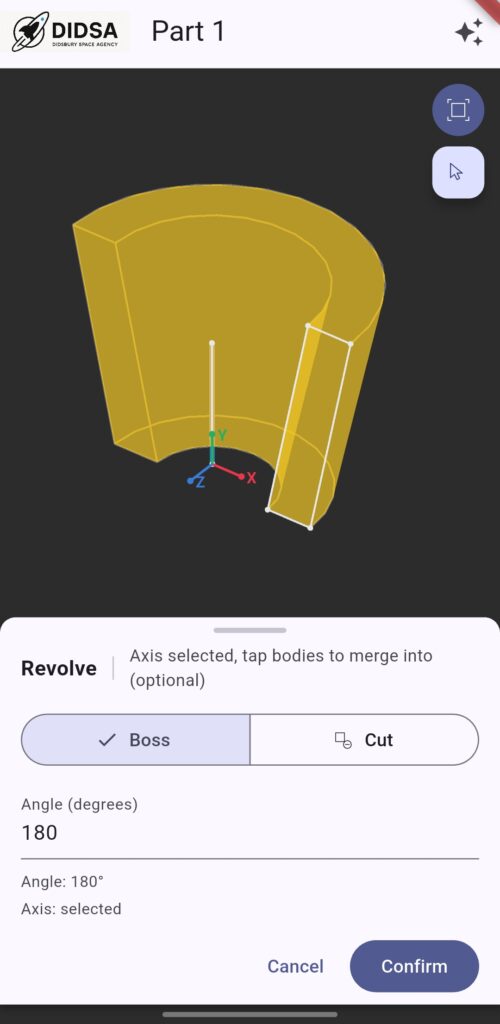
The 3D Part design module contains an evolving set of CAD tools including:
- Extrude Boss/Cut
- Revolve Solid/Cut
- Sweep Solid/Cut
- Loft Solid/Cut
- Fillet and Chamfer
- Pattern and Mirror
These are developing to bring current features in line with professional CAD systems and new features are being added.
Already scoped for addition are the following:
- Move body
- Scale body
- Move face
- Delete face
- Shell
- Thin features
- Boolean operations
- and many more….
The 3D design module also allows import/export of common 3D object formats including STEP, STL, OBJ and glTF.
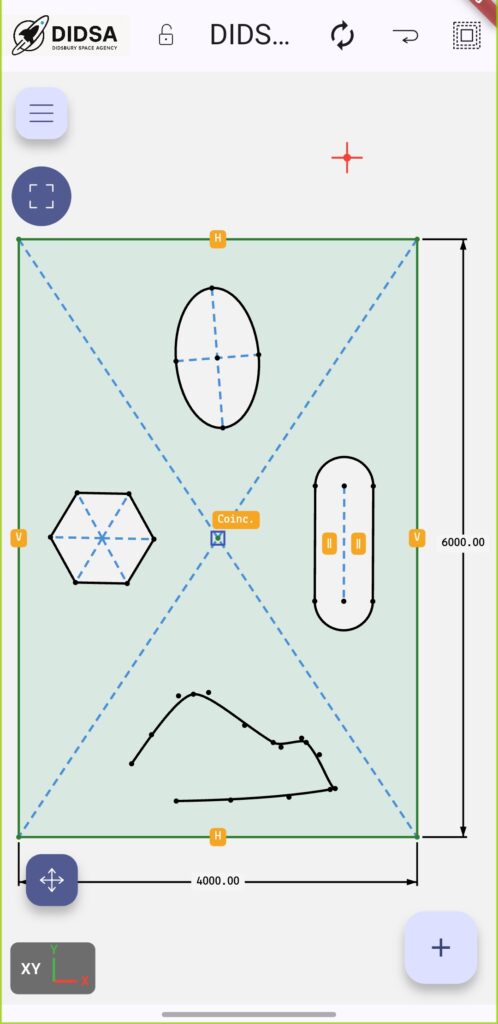
2D Drawing is currently a less developed area of DIDSA Design Tools, providing a simple environment for creating sketches, layouts and basic technical drawings.
The aim is to make 2D design quick and accessible without requiring a separate drawing package. Whether you’re sketching out an idea, planning a project, laying out a site, or preparing a technical drawing, the 2D environment will provide the tools to get the job done.
Current functionality focuses on basic 2D sketching, with further development planned around layers, colours, dimensions, DXF support and parametric drawing.
One of the longer-term goals is to make it possible to turn sketches, photographs and other reference images into usable 2D CAD geometry. This could provide a quick way to take an idea from a hand-drawn sketch or existing drawing into a digital design.
Over time, the 2D environment will evolve into a more complete design and drawing module for engineering drawings, site plans, fabrication layouts, workshop projects and other applications where 2D is the right tool for the job.
And, like everything else in DIDSA Design Tools, it will all live inside the same app.
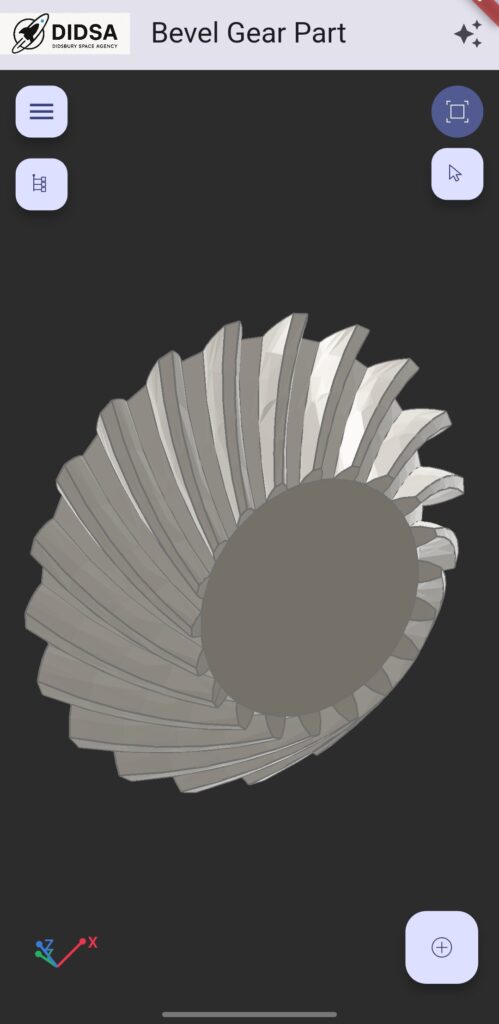
The Gear Design tool is designed to make the creation of accurate, usable gears as straightforward as possible.
Rather than manually constructing gear profiles, the tool allows you to define the gear you need and generate a complete 3D model ready to use in a larger design. Once generated, the gear becomes a normal editable part, allowing you to continue modelling it with holes, cutouts, bosses, keyways, integral shafts and other features.
The tool currently supports:
- External Spur
- Internal Spur
- Helical
- Herringbone
- Rack and Pinion
- Bevel
- Bevel Pair
- Spiral Bevel
- Crown
- Planetary Sets
The goal is to make gears accessible to makers and designers who need functional components without having to become experts in gear geometry.
Generated models are designed with 3D printing in mind. The same models can also form part of larger CAD assemblies and designs.
AI-assisted modelling is a project in its own right and one of the more experimental parts of DIDSA Design Tools.
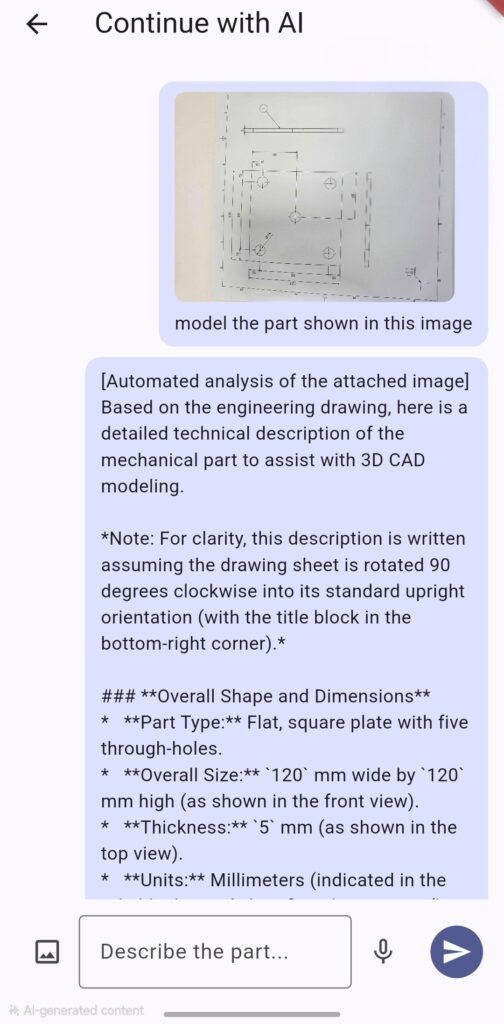
This fast-evolving tool allows an LLM to take the helm and model parts based on text, voice or image input. The aim is to make CAD more accessible by allowing users to describe what they want to create rather than having to know exactly which tools or commands are needed to build it.
It is still in the early stages of development, but it is included in the app so the DIDSA community can experiment with it, explore what is possible and help us refine the approach. There is huge potential in combining AI with CAD, and we want to explore that potential alongside the people who will actually use the tools.
Even in its early form, AI-assisted modelling shows that AI can be coupled with CAD software to:
- Reduce the skills required to start producing 3D models
- Speed up the design process and allow designers to focus on the design rather than the software
- Allow hands-free model generation using voice, image and other inputs
- Make it easier to explore ideas and quickly turn concepts into usable models
This is an area that will continue to evolve alongside the rest of DIDSA Design Tools. The technology is developing rapidly, and we intend to see where it can take us while keeping the designer firmly in control.